0
Call us now: +1(800) 123 4567

Find Your Perfect Printers

Find printing devices and related solutions for different applications, from everyday paperwork to professional documents and photographs.

Welcome to Print Soft Tech

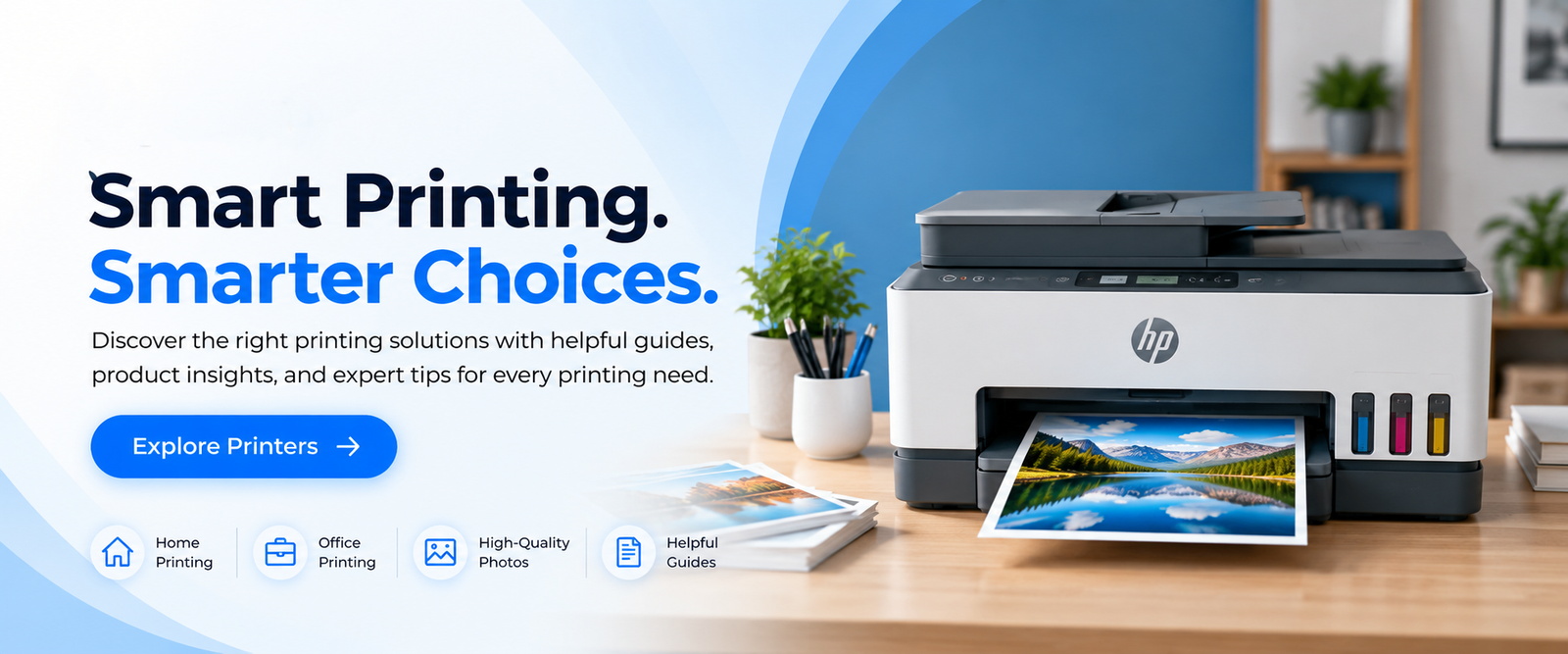
Smart Printing. Simple Solutions.

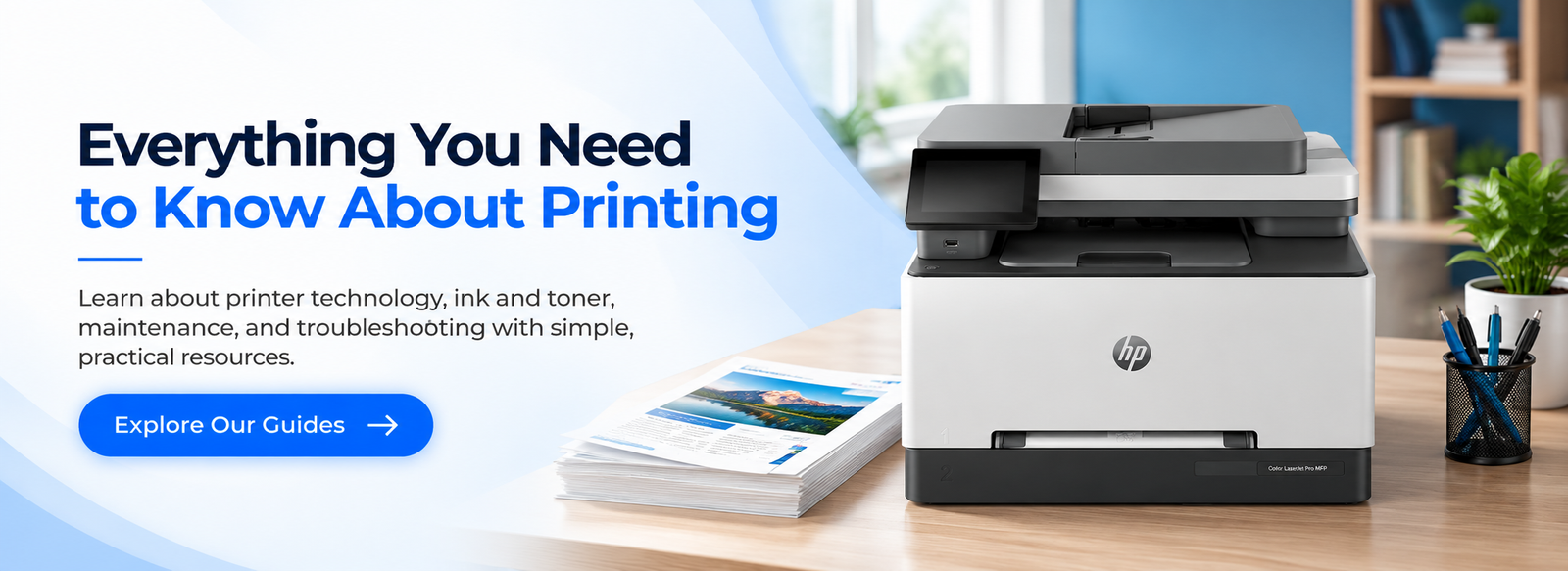
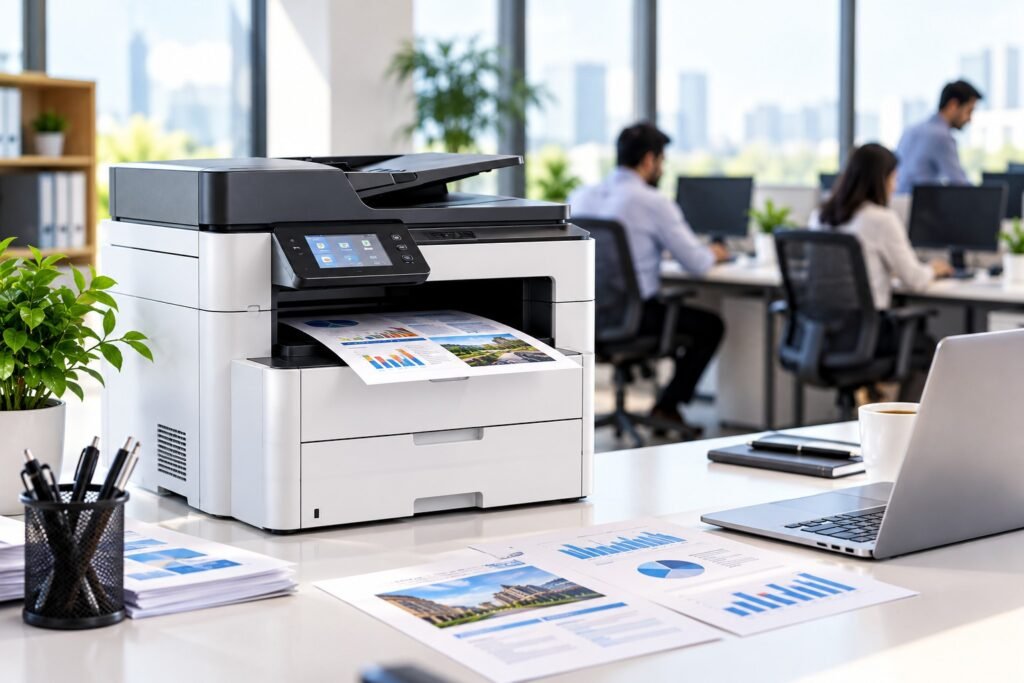
Modern office printer with charts and graphs on a desk

Print Soft Tech - Your Guide to Smarter Printing.

At Print Soft Tech, we believe that finding the right printer and understanding printing technology should be simple and hassle-free. Our goal is to help individuals, students, professionals, and businesses make informed printing decisions through clear information, practical guides, and useful resources.

From inkjet and laser printers to ink tank systems, multifunction devices, and photo printing solutions, we help users explore different printing technologies and understand the features that matter most. Our content covers printer specifications, print quality, speed, connectivity, ink and toner costs, maintenance, and troubleshooting.

At Print Soft Tech, our commitment is to make your printing journey easier through accessible information and practical knowledge. Whether you’re researching your first printer, comparing advanced features, or looking for help with a printing issue, we’re here to help you find the information you need.

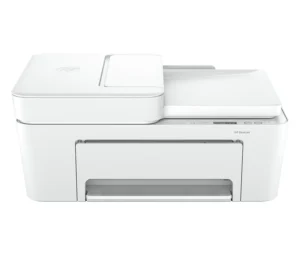
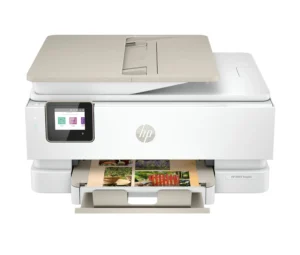
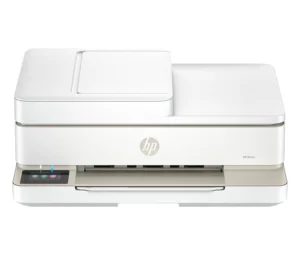
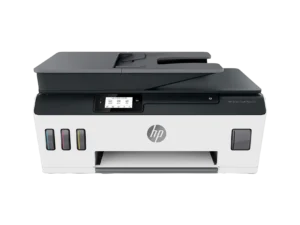
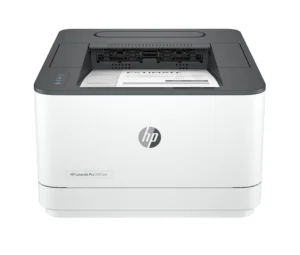
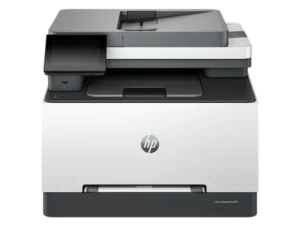
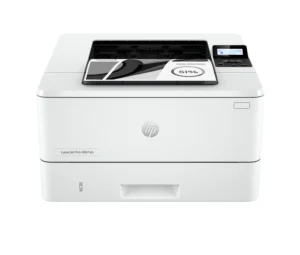
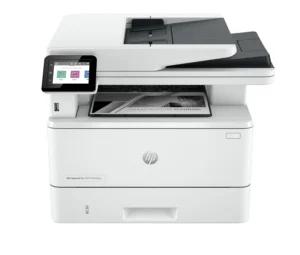
Featured Products

Discover our handpicked selection of professional printers for every need

Why Choose Print Soft Tech?

Practical Guidance

Make informed printing decisions with easy-to-understand information about printer types, technologies, and essential features. From understanding inkjet and laser printing to exploring ink systems, connectivity, and print quality, our guides simplify technical details and help you choose the right printing solution.

Solutions for Every Need

Every user has different printing requirements. Whether you're a student printing assignments, a professional working from home, a small business managing daily documents, or a creative professional producing high-quality photos, explore printing options tailored to your needs, usage, and budget.

Smarter Comparisons

Choosing the right printer involves more than comparing prices. Understand key factors such as print speed, resolution, colour accuracy, connectivity, paper compatibility, and ongoing ink or toner costs. Our comparison guides help you evaluate important features and make confident, informed purchasing decisions.

Helpful Resources

Get more from your printing experience with practical resources covering printer setup, wireless connectivity, routine maintenance, and common troubleshooting issues. Discover useful tips to improve print quality, manage printing costs, and keep your equipment running smoothly

Popular Printing Solutions

Explore customer-favorite printers and printing essentials, selected for their performance.

Printer Buying Guides

Beginner's Guide to Printers

Learn how different printer types work, what features to consider, and how to choose a printer for everyday use.

Inkjet vs. Laser Printers

Understand the differences in printing technology, print quality, speed, consumables, and typical applications.

Home Office Printer Guide

Explore important features for remote working, home offices, document printing, and occasional photo printing.

Photo Printing Guide

Learn about colour reproduction, print resolution, photo paper, and the features that influence image quality.

Printer Running Costs Guide

Understand ink or toner expenses, page yield, maintenance, and the total cost of owning a printer.

Wireless vs. USB Printing

Compare wireless and wired connections to determine which setup best suits your devices and working environment.

How to Choose the Right Printer

Evaluate print volume, colour requirements, paper sizes, connectivity, multifunction features, and budget.

Printer Maintenance Guide

Discover everyday practices that can help maintain print quality and support reliable printer performance.


Find the Right Printing Solution

Every environment has different printing requirements.
Explore printer types, compare essential features, and discover options that suit your needs.

Home & Home Office

Reliable, space-saving printers for remote work, school assignments, personal documents, and everyday tasks.

Small Business

Practical printing solutions that help small businesses manage invoices, reports, customer documents, and daily operations

Enterprise & Corporate

Explore high-performance printing and multifunction devices for teams with demanding document and workflow requirements.

Creative & Photo Printing

Bring photographs, artwork, and creative projects to life with printing solutions designed for detailed images and vibrant colours.

Education & Learning

Discover suitable printing solutions for schools, colleges, libraries, teachers, and students.

Healthcare & Clinics

Explore printing and scanning options for healthcare offices that handle patient documents, administrative records, and labels.

Steps to Your Perfect Printer

Finding the right printer doesn’t have to be complicated. Print Soft Tech helps you explore printer types, compare essential features, and understand your options so you can make a confident, informed decision for your home, office, or creative workspace.

1. Explore Printer Types

Discover different printing technologies and find out which type suits your requirements. Explore inkjet printers for everyday colour printing, laser printers for text-heavy documents, wireless printers for convenient connectivity, and photo printers for creative projects.
– Home and office printers
– Inkjet, laser, and ink tank printers
– Wireless and photo printing solutions

2. Compare Features & Costs

Understand the features that matter before choosing a printer. Compare print quality, speed, connectivity, paper handling, and ongoing ink or toner costs to identify options that align with your needs and budget.
– Compare essential specifications
– Understand running costs and supply requirements
– Evaluate features for your intended use

3. Choose with Confidence

Use our buying guides and practical insights to narrow down your options and make an informed decision. Review product specifications, check compatibility, and explore purchasing options from manufacturers or sellers to find a printer that works for you.
– Make an informed buying decision
– Check compatibility and warranty information
– Explore available purchasing options

Get More Out of Your Printer

Small improvements in setup, maintenance, and print settings can make a big difference. Explore practical tips to improve everyday printing and understand common printer issues.

Improve Print Quality

Learn how paper selection, print settings, and routine maintenance can help produce clearer documents.

Understand Ink & Toner

Discover supply types, cartridge compatibility, page yields, and factors that affect printing expenses.

Solve Common Printer Problems

Explore basic troubleshooting guidance for offline printers, connection issues, paper jams, and poor print quality.

Customer Reviews

Frequently Asked Questions

1. How do I choose the right printer?

Consider what you print, how frequently you print, whether you need colour, your preferred print quality, connectivity requirements, and your overall budget.

2. Which is better: an inkjet or a laser printer?

Inkjet printers are often suitable for colour images and photographs, while laser printers are commonly preferred for text-heavy documents and regular office workloads. The right option depends on your requirements.

3. Are ink tank printers economical?

They can offer a lower cost per page for users with regular printing needs. However, the initial purchase price, maintenance, ink consumption, and expected print volume should also be considered.

4. What is an all-in-one printer?

An all-in-one printer combines two or more functions, typically printing, scanning, and copying, in one device.

5. How can I improve print quality?

Use suitable paper, check ink or toner levels, select appropriate print settings, and follow the manufacturer's maintenance recommendations.

6. Why is my printer showing as offline?

Possible causes include connectivity issues, power problems, incorrect printer selection, or a stalled print queue. Check the device's connection and settings first.

7. How do I connect my printer to Wi-Fi?

The process varies by model. Typically, you can use the printer's control panel or the manufacturer's setup application to connect it to your wireless network.

8. Where can I find printer drivers?

Use the official support website of the printer manufacturer and select the correct model and operating system.

Select the fields to be shown. Others will be hidden. Drag and drop to rearrange the order.
  • Image
  • SKU
  • Rating
  • Price
  • Stock
  • Availability
  • Add to cart
  • Description
  • Content
  • Weight
  • Dimensions
  • Additional information
Click outside to hide the comparison bar
Compare